


You need a bit more light somewhere, but drilling holes or running cables is simply out of the question.
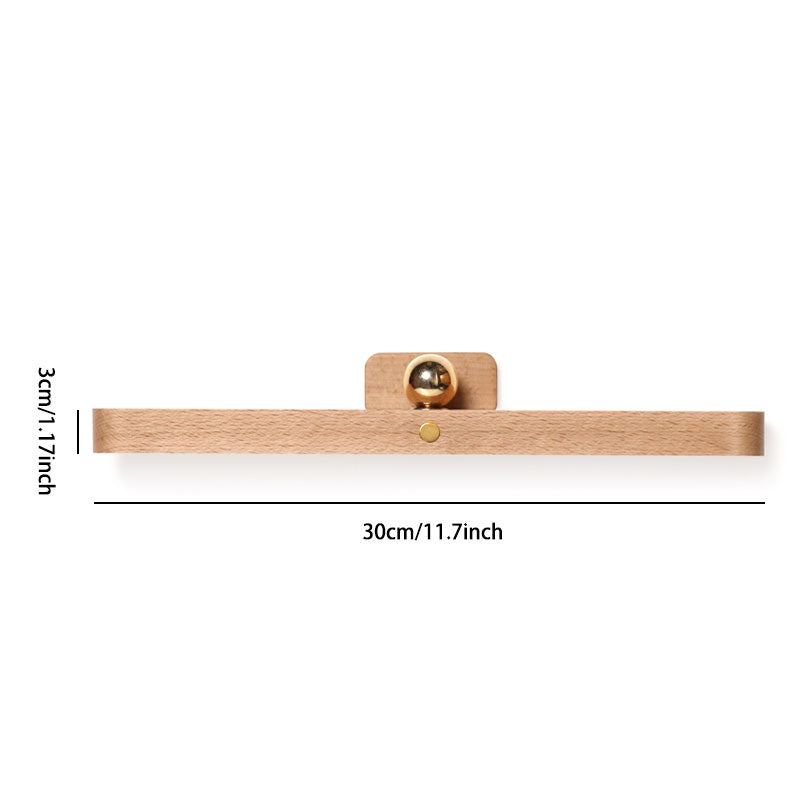
There is a spot in the wardrobe, above the kitchen worktop, or along the hallway where the light just does not reach — yet installing a fixed fitting means drilling, wiring, and disruption you do not want. The Lumisurge wireless LED lamp attaches in seconds via a magnetic mount and adhesive pad, with no tools required. A built-in rechargeable battery means no trailing cables during use, and the 360-degree ball joint lets you aim the beam exactly where it is needed. The result is a clean, focused pool of light wherever you choose, repositioned whenever your needs change.
Benefits
- No more hunting for the right angle in the dark: The 360-degree rotating ball joint means you no longer have to live with a fixed beam that misses the spot — point the light precisely where it needs to go, every time.
- No drilling, no wiring, no waiting for a tradesperson: The magnetic mount and adhesive pad go up on most smooth, clean surfaces in under a minute, so you save the time and expense of a professional installation entirely.
- No worry about the battery dying mid-use: The built-in rechargeable cell tops up via the included USB cable, so you never have to stock spare batteries or wonder whether the light will last through the evening.
Specifications
- Mounting: Magnetic mount with adhesive pad — no drilling required
- Adjustability: 360-degree rotating ball joint
- Controls: Touch panel with multiple brightness levels and light modes
- Power source: Built-in rechargeable battery, charged via USB cable
- Use area: Indoor supplementary lighting — wardrobe, hallway, bedside, kitchen
- Not recommended for: Outdoor use or damp rooms unless otherwise stated

How to Use
- Attach: Clean the surface, peel the adhesive pad, and press the magnetic mount firmly into place on any smooth, dry surface.
- Connect the lamp: Clip the Lumisurge unit onto the magnetic mount and rotate the ball joint to aim the beam exactly where you need it.
- Control: Tap the touch panel to cycle through brightness levels and light modes; recharge via the included USB cable when the battery runs low.
Pro Tip: Before committing the adhesive pad permanently, hold the mount in place for a moment and test the beam angle — the ball joint gives you plenty of range, but positioning the base slightly higher than you think you need it usually gives the most even spread of light.